A map chart.
A bigger story.
Make a map chart that says something.
Colour countries, bring data to life, and turn your ideas into beautiful maps and videos.
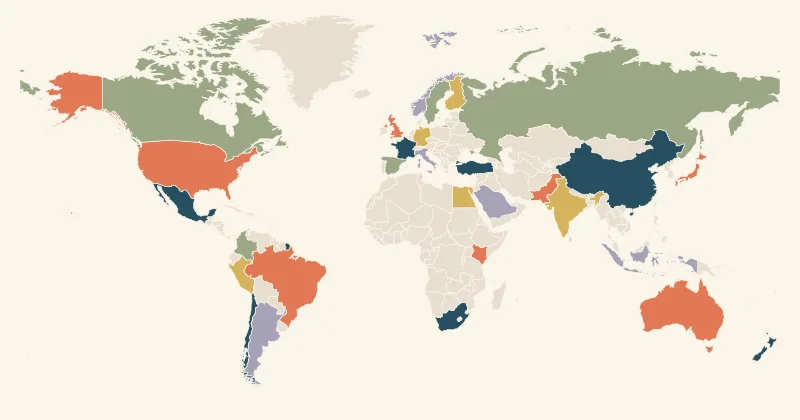
A whole world to work with.
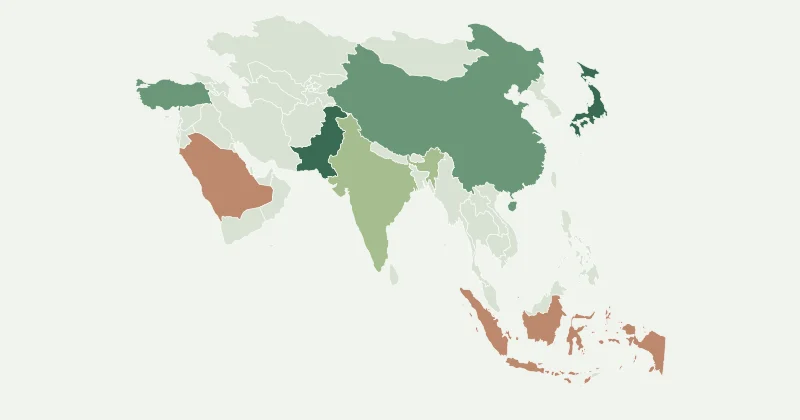
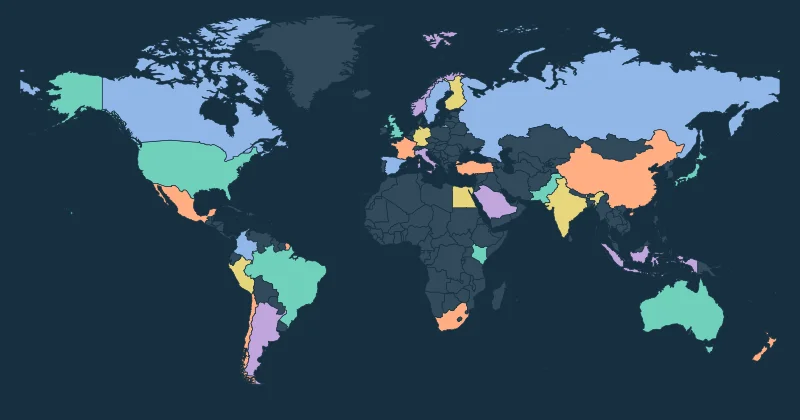
Maps that
move people.
Reveal countries one by one. Follow a journey. Let your data count down. Make short map videos with the same simple editor you use for images.
- Country reveals, routes and ranking animations
- Landscape, square and vertical exports
- Rendered on your device. No paid credits.
A head start for every idea.
From blank canvas to “that’s it.”
Pick your map
Start with the world, a continent or regional boundaries. Choose the geography that matches your story.
Make it yours
Colour regions, paste data, add a legend and choose a theme. Save your favourite palette for next time.
Send it into the world
Download an image, vector map, PDF or short video. Share an editable project link with your team.
What is a map chart?+
A map chart represents categories or values using geographic areas. Colours and a legend help readers compare places, understand coverage or follow a story. A numeric colour-shaded map is often called a choropleth map.
Is Map Chart free?+
Yes. Editing, themes, saved palettes, projects, image exports and browser-rendered videos are free. You can start without an account; a free account adds cross-device project sync.
Can I make an animated map?+
Yes. Colour regions or import data, then open Animate to preview a country reveal, ranking reveal, route or spotlight. Video format availability depends on your browser.
Where are my maps saved?+
The editor autosaves to this browser. Save a named project, download a backup or sign in to save it to your account. Browser storage can be cleared, so keep backups of important work.
Can I use exported maps commercially?+
The included Natural Earth data is public domain, and the US Census-derived dataset is supplied with its source notices. You retain your original work. Check third-party data licences when importing your own map.